When it comes to making a great first impression on LinkedIn, your banner is the unsung hero. Think of it as your digital welcome mat, setting the tone for your profile. A well-designed banner not only enhances your professional image but also provides an opportunity to showcase your brand or personality. In this guide, we’ll explore the perfect dimensions and size for LinkedIn banners, ensuring you stand out in the crowded professional landscape.
Importance of Banner Size for Your Profile
Getting the size right for your LinkedIn banner is crucial for several reasons:
- Visual Appeal: A correctly sized banner ensures that your image appears crisp and professional. Blurry or pixelated images can detract from your overall profile, making you seem unprofessional.
- Brand Consistency: If you’re using your banner for branding, it needs to align with your other marketing materials. Using the wrong dimensions can lead to important elements being cut off, which disrupts your brand narrative.
- Mobile Optimization: Many users access LinkedIn on mobile devices. Ensuring your banner looks good on both desktop and mobile views can enhance user experience and engagement.
So, what are the optimal dimensions? The ideal size for a LinkedIn banner is 1584 pixels wide by 396 pixels tall. This size provides a perfect balance, allowing for a clear display without sacrificing quality. If you're wondering how to make the most of your banner, consider these tips:
Tips for Creating an Effective LinkedIn Banner
- Use High-Quality Images: Blurry images are a no-go. Always choose high-resolution photos.
- Keep Important Information Centered: Since your profile picture overlaps the bottom left corner, ensure that crucial details are centered.
- Incorporate Your Brand Colors: Use colors that align with your personal or company branding for consistency.
- Add Text Wisely: If you're including text, make sure it's concise and readable. Avoid clutter!
In conclusion, the size of your LinkedIn banner matters significantly. It’s not just about aesthetics; it’s about creating a professional image that resonates with your audience. By following the right dimensions and design tips, you can elevate your LinkedIn profile and make a lasting impression on potential employers, clients, and connections.
Also Read This: How to Delete Someone from LinkedIn: A Simple Process for Managing Connections
3. Optimal Dimensions for LinkedIn Banners
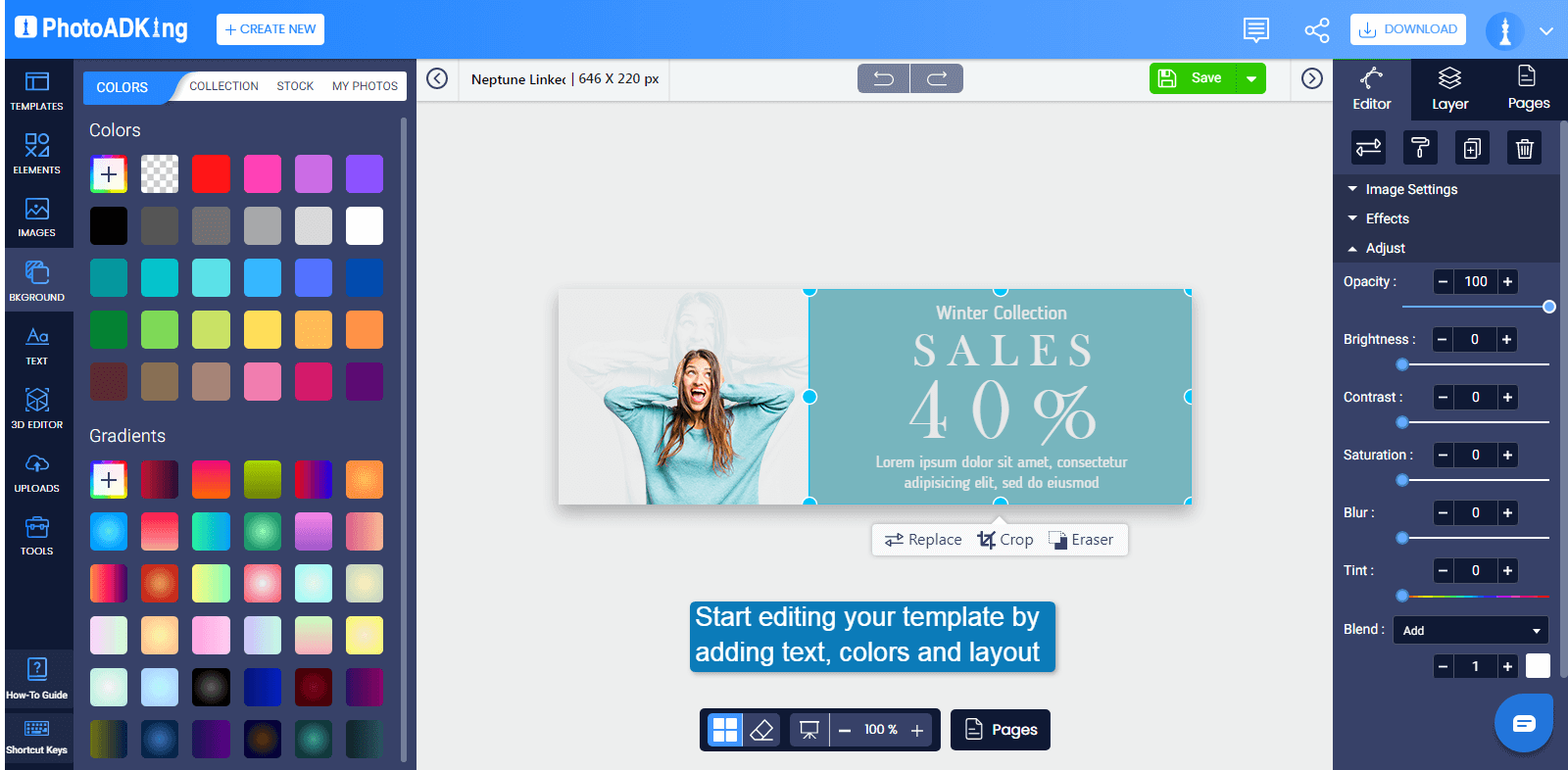
When it comes to creating a LinkedIn banner, getting the dimensions right is crucial. The optimal size for a LinkedIn banner is 1584 pixels wide by 396 pixels tall. This size ensures that your banner looks sharp and professional across various devices, whether it's viewed on a desktop or mobile device.
It's important to keep in mind that LinkedIn has specific guidelines for banners. If you want to avoid any unwanted cropping or distortion, here are a few tips:
- Ensure that your main content is centered within the 1584 x 396 pixels space.
- Use a high-resolution image (at least 72 DPI) to maintain clarity.
- Keep any text or logos away from the edges to prevent cropping.
Remember, the banner space is a great opportunity to make a first impression. So, make sure your dimensions are on point, and your image is not only visually appealing but also fits perfectly into the specified size!
Also Read This: How to List Your LinkedIn Profile on Your Resume the Right Way
4. Tips for Designing an Eye-Catching LinkedIn Banner
Designing an eye-catching LinkedIn banner goes beyond just the right dimensions. Here are some tips to help you create a banner that stands out:
- Choose the Right Colors: Color sets the mood and tone of your profile. Use colors that align with your personal brand or industry. For example, if you're in the tech sector, consider cool blues or greys for a modern look.
- Incorporate Your Branding: If you have a logo or specific branding elements, include them in your banner. This creates brand consistency and makes your profile memorable.
- Keep It Simple: A cluttered banner can be distracting. Opt for a clean design with plenty of white space. A minimalist approach can often be more impactful.
- Use High-Quality Images: If you choose to include photographs, make sure they are high-resolution. Blurry or pixelated images can diminish your professionalism.
- Add Text Sparingly: If you decide to include text, keep it concise. Use a short tagline or your name. Remember, this is not a place for a lengthy description.
- Test on Different Devices: Once your banner is ready, check how it looks on different screens. What appears great on a desktop might not translate as well to mobile, so ensure it looks good everywhere.
By following these tips, you’ll create a LinkedIn banner that not only looks amazing but also resonates with your audience. Remember, your banner is often the first thing people see on your profile, so make it count!
Also Read This: How to Reorder Experience on LinkedIn: A Complete Guide for Profile Customization
5. Common Mistakes to Avoid When Creating Your Banner
Creating the perfect LinkedIn banner can significantly enhance your profile's visual appeal, but it’s easy to stumble into some common traps. Here are a few mistakes you should steer clear of:
- Ignoring Dimensions: Always use the recommended dimensions of 1584 x 396 pixels. A banner that’s too small will appear pixelated, and one that’s too large might get cropped awkwardly.
- Overloading with Text: Your banner should complement your profile, not overwhelm it. Aim for a clean design with minimal text. A catchy tagline or your name is usually sufficient!
- Choosing Distracting Images: While vibrant colors can catch the eye, overly busy backgrounds can distract from your professional message. Opt for images that are relevant and not too chaotic.
- Neglecting Brand Consistency: If you’re representing a brand, ensure your banner aligns with its colors and style. This creates a cohesive look across all your professional platforms.
- Forgetting Mobile Optimization: Many users browse LinkedIn on mobile devices. Check how your banner appears on different screen sizes to ensure a seamless experience for all viewers.
By avoiding these common pitfalls, you can create a LinkedIn banner that not only looks great but also effectively represents your professional identity.
6. Tools and Resources for Designing LinkedIn Banners
Ready to jump into creating your LinkedIn banner? There are a plethora of tools at your disposal that can make the design process smooth and enjoyable. Here’s a rundown of some of the best resources:
- Canva: This user-friendly design tool offers a plethora of templates specifically for LinkedIn banners. You can customize colors, fonts, and images easily, even if you're not a design whiz!
- Adobe Spark: For those who want a bit more control, Adobe Spark allows for detailed customization and offers stunning templates. It’s perfect for creating a unique banner that stands out.
- Visme: If you want to incorporate infographics or data visuals into your banner, Visme is a great option. This tool allows you to create engaging visuals that can reflect your professional skills.
- Piktochart: Known for its infographics, Piktochart also offers banner design capabilities. It’s ideal if you want to tell a story through your visuals.
- Figma: For more advanced users, Figma offers collaborative design features. It’s excellent for teams who are working together on a branding project.
Additionally, don’t forget to check out free stock photo websites like Unsplash or Pexels for high-quality images to enhance your banner. With these tools and resources at your fingertips, you’ll be well on your way to crafting a LinkedIn banner that truly represents you and your brand!
 admin
admin







