Are you looking to make your LinkedIn profile more engaging? One simple yet effective way to enhance your profile is by adding bullet points to your description. Bullet points can transform dense paragraphs into easily digestible pieces of information. In this post, we’ll explore why readability matters on LinkedIn and how you can leverage bullet points to catch the attention of recruiters and connections alike.
The Importance of Readability on LinkedIn
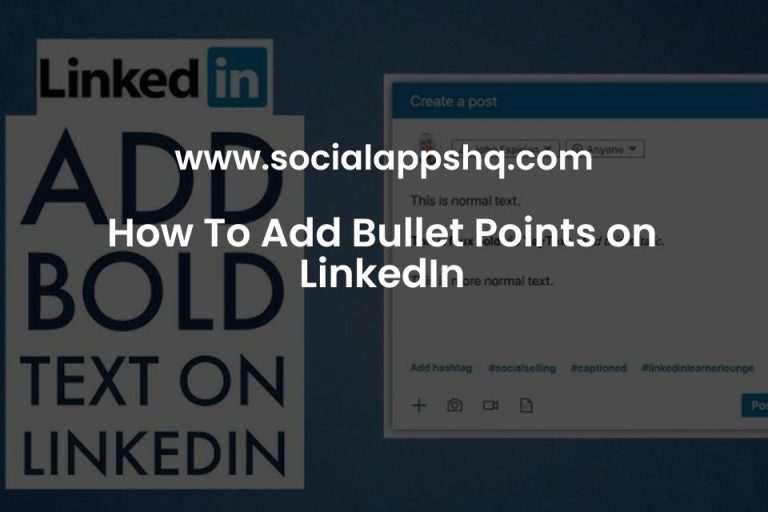
Readability is crucial when it comes to LinkedIn profiles. Recruiters and potential contacts often skim through profiles, and if yours is cluttered with long paragraphs, it might get overlooked. Here’s why readability matters:
- First Impressions Count: Your LinkedIn profile is often the first impression others have of you. A clear, well-structured description can convey professionalism and attention to detail.
- Quick Information Retrieval: Bullet points allow readers to quickly grasp your skills, experiences, and achievements without wading through blocks of text.
- Highlight Key Accomplishments: Using bullet points can help you emphasize your most significant achievements and skills, making them stand out.
- Improved Engagement: A visually appealing profile with bullet points encourages visitors to read more and learn about you.
Consider this: when someone lands on your profile, they might only spend a few seconds deciding whether to keep reading or move on. If your description is packed with text, they might miss out on valuable insights about your professional background.
Using bullet points not only enhances the aesthetic of your profile but also serves a functional purpose. Here’s a simple structure you can follow:
| Section | Example Bullet Points |
|---|---|
| Experience |
|
| Skills |
|
By organizing your content this way, you make it easy for readers to find the information they’re looking for, improving their overall experience on your profile. In the digital age, where attention spans are shorter than ever, readability is not just a preference—it’s a necessity!
Also Read This: How to Add a Video to Your LinkedIn Post to Boost Engagement
3. Step-by-Step Guide to Adding Bullet Points
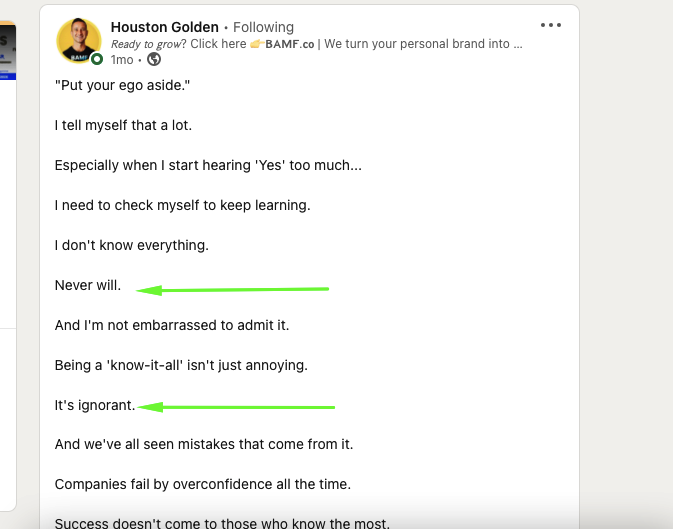
Ready to jazz up your LinkedIn description with bullet points? It’s easier than you think! Follow this simple guide to transform your text into a more digestible format.
- Log into Your LinkedIn Account: Head over to LinkedIn and sign in. Navigate to your profile page.
- Click on the “Edit” Button: Find the pencil icon next to your profile summary. This opens up the editing options.
- Craft Your Content: Write your description in a way that highlights your skills, experience, and goals. Keep it concise!
- Add Bullet Points: To create bullet points, you can simply use asterisks (*) or dashes (-) at the start of each line. Here’s how it could look:
- Creative problem solver with a knack for innovation.
- 5+ years in digital marketing, specializing in SEO and content strategy.
- Proven track record of increasing engagement through data-driven strategies.
- Preview Your Changes: Before hitting save, take a moment to review how your description looks. This is where you can tweak any misaligned bullet points.
- Save and Celebrate: Once you’re satisfied, click “Save.” Sit back and admire your new, reader-friendly LinkedIn description!
And there you have it! With just a few clicks, your LinkedIn description can go from a wall of text to a visually appealing list, making it easier for recruiters and connections to read your expertise at a glance.
Also Read This: Can I Include Hyperlinks and Photos in LinkedIn Posts
4. Best Practices for Using Bullet Points
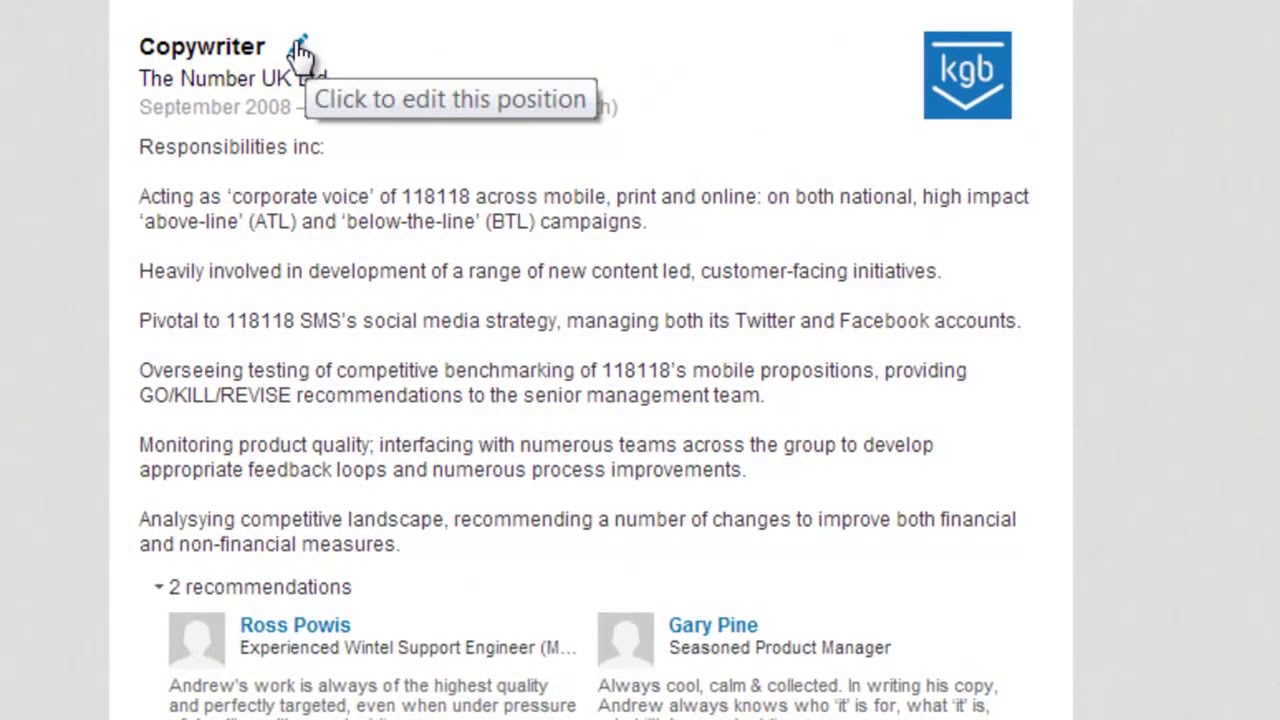
Now that you know how to add bullet points to your LinkedIn description, let’s dive into some best practices to make the most out of them. After all, it’s not just about having bullet points; it’s about using them effectively!
- Be Concise: Each bullet point should be clear and to the point. Aim for one sentence or a brief phrase. For example:
- Developed marketing campaigns that increased revenue by 30%.
- Prioritize Information: Place the most important points at the top. Think about what you want your readers to remember first.
- Use Action Verbs: Start each bullet with a compelling action verb. This adds energy and engagement. For example:
- Designed user-friendly websites.
- Managed cross-functional teams.
- Stay Relevant: Only include points that are pertinent to your professional journey and aspirations. Avoid cluttering your description with unrelated skills.
- Consistency is Key: Maintain a similar structure for each bullet point. This creates a uniform look and helps readability. For instance:
- Increased social media engagement by 50%.
- Streamlined project management processes.
By following these practices, you’ll not only enhance the readability of your LinkedIn description but also make a lasting impression on recruiters. Remember, a well-organized description can truly set you apart in the competitive job market!
Also Read This: Best Practices for Displaying Your LinkedIn Profile on Your Resume
5. Examples of Effective LinkedIn Descriptions
Crafting the perfect LinkedIn description can feel like a daunting task, but it doesn't have to be! Here are some real-life examples of effective LinkedIn descriptions that showcase clarity, professionalism, and personality:
Example 1: Marketing Professional
"Creative marketing strategist with over 8 years of experience in digital marketing and brand management. I specialize in:
- Developing data-driven marketing campaigns
- Enhancing brand visibility through SEO and content strategies
- Leading cross-functional teams to achieve project goals
Passionate about leveraging analytics to drive business growth and improve customer engagement. Let’s connect!
Example 2: Software Engineer
"Results-oriented software engineer with a knack for problem-solving and over 5 years of experience in mobile app development. My expertise includes:
- Proficient in Java, Swift, and React Native
- Experience in agile methodologies and DevOps practices
- Collaborating with cross-functional teams to deliver quality software
Always eager to learn new technologies and contribute to innovative projects. Excited to network with fellow tech enthusiasts!
Example 3: Project Manager
"Dynamic project manager with a proven track record in leading complex projects to successful completion. I excel at:
- Creating project timelines and budgets
- Facilitating team collaboration and communication
- Identifying and mitigating project risks
Committed to delivering exceptional results while maintaining high standards of quality. Let’s connect to share insights and opportunities!
These examples illustrate how incorporating bullet points not only improves readability but also highlights key skills and achievements. Remember to personalize your description to reflect your voice and professional persona!
6. Common Mistakes to Avoid
Even with the best intentions, it’s easy to make mistakes when writing your LinkedIn description. Here are some common pitfalls to steer clear of:
- Being Too Vague: Avoid generic phrases like "hardworking" or "team player." Instead, specify your unique skills and contributions.
- Overloading with Jargon: While industry terms can showcase expertise, too much jargon can alienate readers. Aim for clarity.
- Neglecting Keywords: Your description should include relevant keywords for your industry. This helps recruiters find you in searches!
- Writing in the Third Person: While it might seem more professional, using the first person makes your writing more relatable and engaging.
- Ignoring Your Audience: Tailor your description to your target audience. Consider what potential employers or clients would want to know about you.
- Skipping a Call to Action: Always encourage readers to connect or reach out. A simple "Let’s connect" can make a big difference!
By avoiding these common mistakes, you can enhance your LinkedIn description and make a strong impression on your audience. Remember, the goal is to authentically represent yourself while showcasing what makes you unique in your field!
 admin
admin







