Creating a Subscribe Link on YouTube is a fantastic way to grow your channel effortlessly. It’s a simple yet powerful tool that encourages viewers to become subscribers with just one click. In this post, we’ll explore how these links work and why they can be a game changer for your YouTube strategy. Whether you’re a seasoned creator or just starting, understanding and utilizing subscribe links can help you engage your audience effectively.
Why Use Subscribe Links for Your Channel
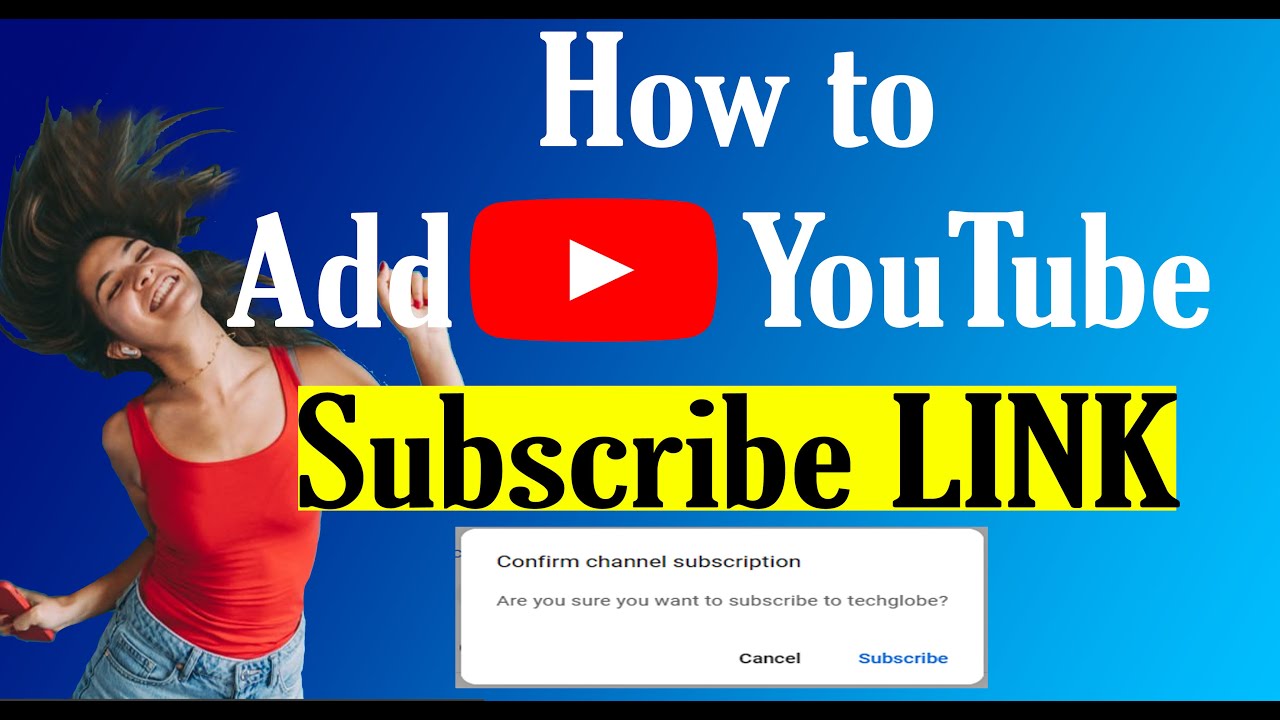
Using subscribe links can significantly boost your channel's growth. Here are a few reasons why they are essential:
- Easy Access: A direct link simplifies the process for your viewers. Instead of navigating through your channel, they can subscribe immediately.
- Increased Engagement: By placing subscribe links in your videos, descriptions, and social media, you encourage viewers to take action when their interest is at its peak.
- Customizable: You can tailor the link to include a default message, making it personal and inviting. For example, adding “?sub_confirmation=1” prompts a confirmation popup, making it even easier for viewers to subscribe.
- Analytics: Tracking the performance of your subscribe links can give you insights into what content resonates most with your audience. This data can guide your future content strategy.
Here's a simple way to create your custom subscribe link:
- Start with your YouTube channel URL: https://www.youtube.com/channel/
- Add the subscribe parameter: ?sub_confirmation=1
- Your final link will look something like this: https://www.youtube.com/channel/YOUR_CHANNEL_ID?sub_confirmation=1
By sharing this link across different platforms, you make it incredibly easy for potential subscribers to join your community.
Incorporating subscribe links into your video content, descriptions, and social media posts not only enhances your visibility but also builds a loyal audience. In a crowded space like YouTube, every subscriber counts, and these links are a straightforward way to engage your audience and encourage them to stick around for more!
Also Read This: How to Create a Second YouTube Channel on Mobile: Expanding Your Content
3. Steps to Create a YouTube Subscribe Link
Creating a YouTube subscribe link is super easy and can be done in just a few simple steps. Whether you're sharing your link on social media, your website, or through emails, having a direct subscribe link makes it easier for your audience to support your channel. Let’s dive into how you can create this link!
Here’s a straightforward process to generate your YouTube subscribe link:
- Find Your Channel ID: First, you need to know your YouTube channel ID. You can find this by going to your YouTube channel page. Look for a series of letters and numbers at the end of the URL. For example, in the URL
https://www.youtube.com/channel/UC1234567890, the channel ID isUC1234567890. - Generate the Subscribe Link: Now that you have your channel ID, you can create your subscribe link. The format to use is:
https://www.youtube.com/subscription_center?add_user=YOUR_CHANNEL_ID. Just replaceYOUR_CHANNEL_IDwith your actual channel ID. So it would look something like this:https://www.youtube.com/subscription_center?add_user=UC1234567890. - Test Your Link: Before sharing it with anyone, make sure to test your newly created link. Paste it into your browser’s address bar and hit enter. This should take you to your channel’s subscription page, confirming that it works!
- Share Your Link: Now that you have a functional subscribe link, you can share it wherever you’d like! Whether you’re posting on Instagram, Twitter, or your blog, simply copy and paste the link.
By following these simple steps, you can create a direct link that encourages viewers to subscribe to your channel effortlessly. This can significantly boost your subscriber count and engage your audience more effectively.
Also Read This: How a YouTube Downloader Works: Behind the Scenes of Video Tools
4. Customizing Your Subscribe Link
Now that you've got the basics down, let’s talk about customizing your YouTube subscribe link! Personalizing your link can make it more appealing and relevant to your audience. Here are some cool ways to do that:
1. Add a Call-to-Action: Instead of just sharing the link, you can create a compelling message to go along with it. For example, say something like, “Hey, enjoy my videos? Subscribe here!” This adds a personal touch and encourages action.
2. Use URL Shorteners: Long links can look messy, especially on platforms with character limits. Consider using services like Bitly or TinyURL to shorten your subscribe link. This not only saves space but can also make the link more visually appealing.
3. Create a Custom Button: If you have a website or blog, you can create a custom button that links to your subscribe page. Use eye-catching colors and texts, like “Join the Family” or “Subscribe Now,” to draw attention.
4. Incorporate Analytics: If you want to track how many people are clicking on your subscribe link, consider adding UTM parameters. This way, you can see how effective your link is in driving subscriptions through tools like Google Analytics.
5. Promote in Videos: Don’t forget to mention your subscribe link in your videos! A simple reminder can go a long way. You can say something like, “If you love what you see, don’t forget to subscribe!” to keep it fresh in viewers’ minds.
Customizing your YouTube subscribe link not only enhances its effectiveness but also engages your audience in a more personalized way. So go ahead, make that link yours, and watch your subscriber count grow!
Also Read This: How to Delete YouTube Videos on iPad: Managing Your Content on iOS Devices
5. Where to Share Your Subscribe Link
Now that you’ve created your shiny new subscribe link, the next step is figuring out where to share it! The right placement can make all the difference in getting those subscriptions rolling in. Here are some great places to consider:
- Social Media Platforms: Share your subscribe link on platforms like Facebook, Twitter, and Instagram. You can create engaging posts, stories, or even pin a post on your profile that encourages followers to subscribe to your channel.
- Your Website or Blog: If you have a personal website or blog, include the subscribe link in a prominent location. Adding a dedicated section or a pop-up can grab visitor attention. You might even consider writing a blog post about your YouTube content and naturally include the link.
- Email Newsletters: If you send out newsletters, make sure to include your subscribe link. A quick line inviting your subscribers to check out your YouTube channel can drive traffic and grow your audience.
- Video Descriptions: Always include your subscribe link in the descriptions of your videos. This way, viewers can easily access it after watching your content.
- Collaborations: When you collaborate with other YouTubers, ask them to share your subscribe link in their videos or descriptions as well. This exposes you to their audience, which may lead to new subscribers!
Remember, the key is to make your subscribe link visible and accessible. Each platform has its own style, so tailor your approach accordingly. For instance, while a casual reminder works well on social media, a more detailed explanation may be better suited for your blog or website.
6. Tips for Encouraging Subscriptions
Getting viewers to click that subscribe button isn’t just about sharing your link; it’s about creating a compelling reason for them to do so. Here are some actionable tips to encourage subscriptions:
- Engaging Content: First and foremost, focus on delivering high-quality, engaging content. When viewers find value in what you offer, they're more likely to subscribe. Think tutorials, reviews, or entertaining sketches—whatever fits your niche!
- Call to Action: Don’t be shy! Include a clear call to action in your videos. A simple, friendly prompt like “If you enjoyed this video, don’t forget to subscribe for more!” can work wonders.
- Consistent Upload Schedule: Consistency builds trust. Whether you post weekly or bi-weekly, stick to a schedule. When viewers know when to expect new content, they're more likely to subscribe to stay updated.
- Engage with Your Audience: Respond to comments and create a community feel. When viewers feel connected to you, they’re more inclined to support your channel by subscribing.
- Exclusive Content: Consider offering exclusive content to your subscribers, like behind-the-scenes footage or special Q&A sessions. This adds value and incentivizes viewers to hit that subscribe button.
By implementing these strategies, you’ll not only see a rise in your subscriber count but also create a loyal community that’s eager to support your content. Happy subscribing!
 admin
admin







