Are you thinking about saying goodbye to your 123RF account? Whether it’s due to a change in your creative needs or simply wanting to declutter your online presence, deleting your account is a straightforward process. In this guide, we’ll walk you through each step to ensure that you can permanently remove your 123RF account without any hassle. Let’s dive in!
Why You Might Want to Delete Your 123RF Account
There can be several reasons for wanting to delete your 123RF account. Here are some common motivations:
- No Longer Using the Service: If you’ve found a different stock image platform that better suits your needs, it might be time to move on.
- Privacy Concerns: With growing concerns about data security, many users choose to delete accounts associated with platforms that they no longer trust.
- Subscription Costs: If you’re subscribed to a plan but not using it enough, canceling your account can save you money.
- Declutter Your Digital Life: In a world filled with online accounts, simplifying your digital footprint can bring peace of mind.
Let’s break down these reasons a bit more:
No Longer Using the Service: Many creatives start with a platform like 123RF but may discover that other sites offer better content, pricing, or user experience. If you're no longer utilizing your account, keeping it active might just be unnecessary clutter.
Privacy Concerns: Data breaches have become alarmingly common. If you’ve had second thoughts about sharing your information with 123RF, deleting your account can help mitigate those risks. Always remember, it’s essential to take control of your online data.
Subscription Costs: If you’ve found that you’re not downloading enough images to justify the monthly fee, think about your budget. Deleting your account can free up funds for other creative pursuits. Plus, you can always return when you’re ready to dive back into stock imagery.
Declutter Your Digital Life: In this fast-paced digital age, having too many accounts can feel overwhelming. Simplifying your online presence is a great step towards a more organized digital life. By removing unused accounts, you can focus on the platforms that truly matter to you.
Ultimately, the decision to delete your 123RF account is a personal one. Whether it’s for financial reasons, privacy, or simply moving on to new opportunities, understanding the why behind your choice can make the process more meaningful. Whatever your reason may be, you’re not alone in considering this step!
Also Read This: Customize Graphics from 123RF for Your Needs
3. Preparing to Delete Your Account
Before you dive into the deletion process, it's important to make sure you’re fully prepared. Deleting your 123RF account isn’t just a click away; it involves a few considerations to ensure that you won’t lose anything important. Here’s what you should keep in mind:
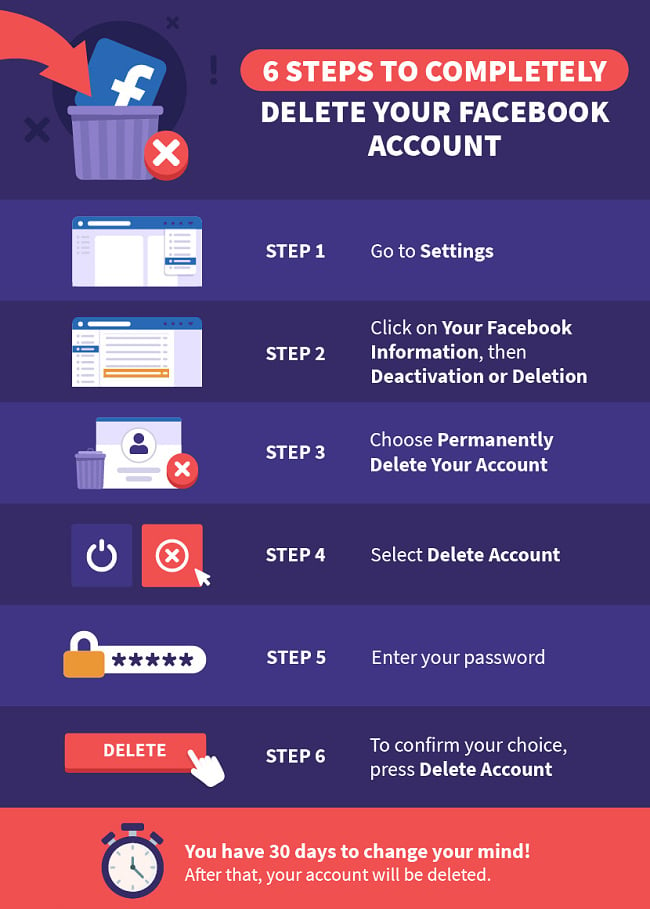
- Backup Your Files: If you have any images, vectors, or other assets that you’ve uploaded or purchased, make sure to download them first. Once you delete your account, you won't have access to any of your files.
- Check Your Subscription Status: If you’re on a subscription plan, be aware of your billing cycle. Cancelling your subscription before account deletion could save you from being charged unexpectedly.
- Review Your Purchases: Take stock of any credits, purchases, or outstanding downloads. Make sure you utilize these before proceeding with the deletion.
- Understand the Consequences: Deleting your account is permanent. This means all your uploaded content and purchase history will be gone for good. Make sure you are absolutely certain before you proceed.
This preparation phase is crucial. It ensures you're not left with regrets or important files missing after your account is gone. Taking a few moments to double-check everything will save you time and hassle down the road. With these considerations in mind, you're ready to move on to the deletion process!
Also Read This: Does Getty Images Have a Free Trial? Exploring Options for Exploring the Platform
4. Step-by-Step Instructions to Delete Your 123RF Account
Alright, now that you’ve prepared yourself, let’s get into the nitty-gritty of actually deleting your 123RF account. Follow these steps carefully, and you’ll be done in no time!
- Log Into Your Account: Start by visiting the 123RF website and logging into your account using your credentials.
- Go to Account Settings: Once logged in, navigate to your profile icon, usually located at the top right corner of the page. Click on it, and select “Account Settings” from the drop-down menu.
- Find the Deactivation Option: In the account settings, scroll down until you find the option for account deactivation or deletion. It might be labeled differently based on updates, but look for something similar.
- Read the Instructions: 123RF will typically provide information on what deleting your account entails. Make sure to read this carefully to understand the impact.
- Confirm Your Identity: You might be asked to confirm your password again or complete a verification process. This step is crucial for security reasons.
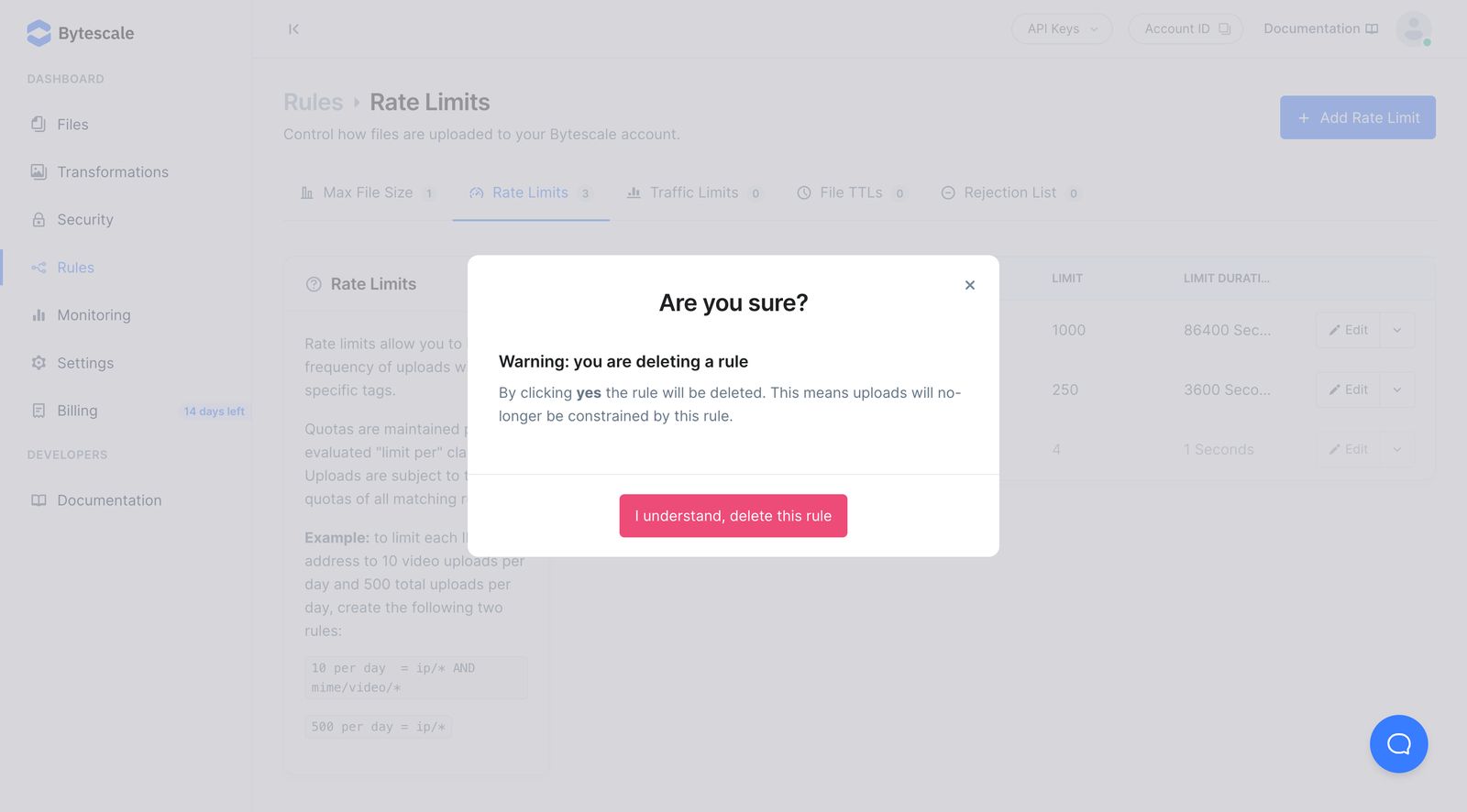
- Submit Your Request: After confirming your identity, submit your request for account deletion. You may need to click a button that says “Delete Account” or “Confirm Deletion.”
- Check Your Email: Look for a confirmation email from 123RF. They may require you to verify your decision through a link sent to your email. Click that link to finalize the process.
- Final Confirmation: After clicking the link in your email, you should receive a final confirmation that your account has been successfully deleted. It’s always good to check back and ensure you can’t log in anymore.
And just like that, you’ve successfully deleted your 123RF account! Remember, if you ever change your mind, you’ll need to create a new account as retrieval isn’t possible. While this may feel like a big step, it’s liberating to take control of your online presence!
Also Read This: Insights into Popular and Profitable Content: Adobe Stock’s Best Selling Images
5. What Happens After You Delete Your Account?
So, you’ve decided to delete your 123RF account. Great choice! But you might be wondering, what happens next? Here’s a breakdown of the key things to expect after you hit that delete button:
- Account Deactivation: First off, your account gets deactivated immediately. This means you can no longer log in or access your profile.
- Data Removal: 123RF will begin the process of removing your personal information from their servers. This includes your uploaded content, purchase history, and any other associated data.
- Access to Purchases: If you've made any purchases, keep in mind that you won't be able to download or access those files anymore. So, make sure you download everything you need before proceeding!
- Content Visibility: If you had uploaded images or videos, they will no longer be visible to others on the platform. This means your work will effectively disappear from their marketplace.
- Final Confirmation: You might receive a confirmation email stating that your account has been deleted. This serves as a final notice that the process is complete.
It’s important to remember that while your account and related data will be removed, some information might still be retained for legal reasons, such as transactions or compliance with regulations. This is standard practice across many platforms.
In short, after deleting your account, you are essentially saying goodbye to your 123RF experience. If you ever decide to return, you’ll need to create a new account from scratch. So, think it through!
6. Frequently Asked Questions
Got questions about deleting your 123RF account? Don’t worry—you’re not alone! Here are some frequently asked questions that might help clarify things:
- Can I reactivate my account after deletion?
No, once your account is deleted, it is permanently gone. You won’t be able to recover any content or information. - Will I be charged for deleting my account?
Nope! Deleting your account is free of charge. You won’t incur any additional fees. - How long does the deletion process take?
The account is deactivated immediately, but the full removal of personal data may take a little longer. Rest assured, 123RF is committed to ensuring your data is handled properly. - What if I change my mind?
Once you delete your account, the decision is final. If you’re unsure, consider simply deactivating it instead, which allows for potential reactivation later. - Will my content still be available to others?
No, all your uploaded work will be removed from the platform and will no longer be accessible to anyone.
These FAQs should give you a clearer picture of what to expect when saying goodbye to your 123RF account. Remember, it’s always a good idea to weigh your options and think about the long-term implications before making such a decision!
 admin
admin







